
Download Ashampoo Video Optimizer Pro – video optimizer, video stabilization, color correction, video enhancement, post-production tool
Overview
Ashampoo Video Optimizer Pro is a productivity-focused tool designed to streamline the post-production process for video creators. Its primary purpose is to enhance video quality by addressing common issues such as shaky footage and poor color balance. The software targets users who want to improve their video output without the steep learning curve associated with professional editing suites. Ideal for content creators, social media managers, and amateur videographers, it offers a simplified path to polished visuals.
The app functions as a dedicated post-production tool, enabling users to correct instability and adjust visual parameters with minimal effort. Real-world use cases include refining smartphone-recorded vlogs, stabilizing handheld camera footage for events, and improving videos shot in low-light environments. By focusing on stabilization and color correction, Ashampoo Video Optimizer Pro fills a niche in the digital content creation ecosystem, offering a lightweight alternative to full-featured video editors.
Developed by Ashampoo, a company known for its user-centric software solutions, the application reflects a commitment to accessibility and performance. Although specific details about the development team or company history were not provided, the consistent release pattern and focus on usability suggest a mature product line. The software is designed to be intuitive, allowing users to achieve noticeable improvements with just a few steps.
Key Features & Functionality
- Precise Image Stabilization: The software employs advanced algorithms to analyze motion data and smooth out shaky footage. This is particularly effective for videos captured with handheld devices or unstable mounts. Users can restore cinematic stability to otherwise unusable clips.
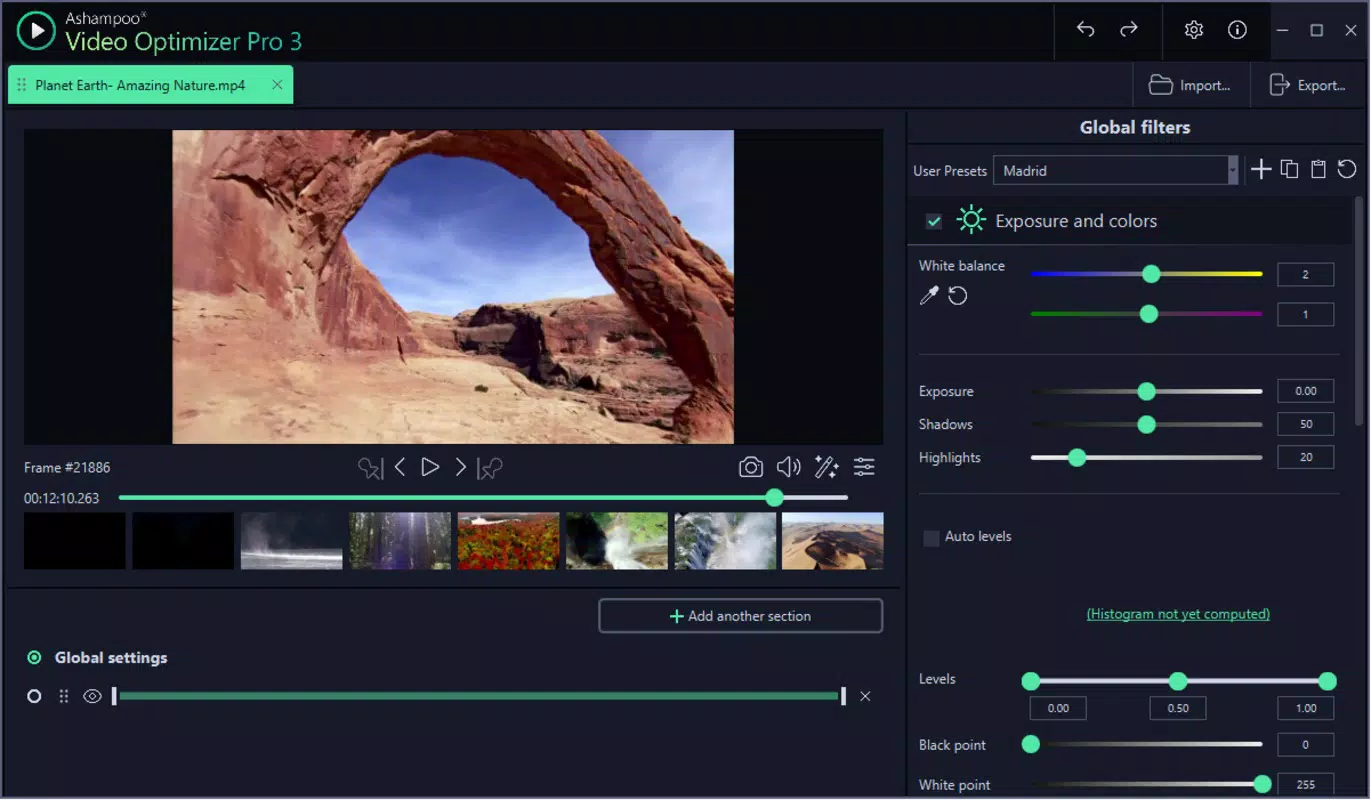
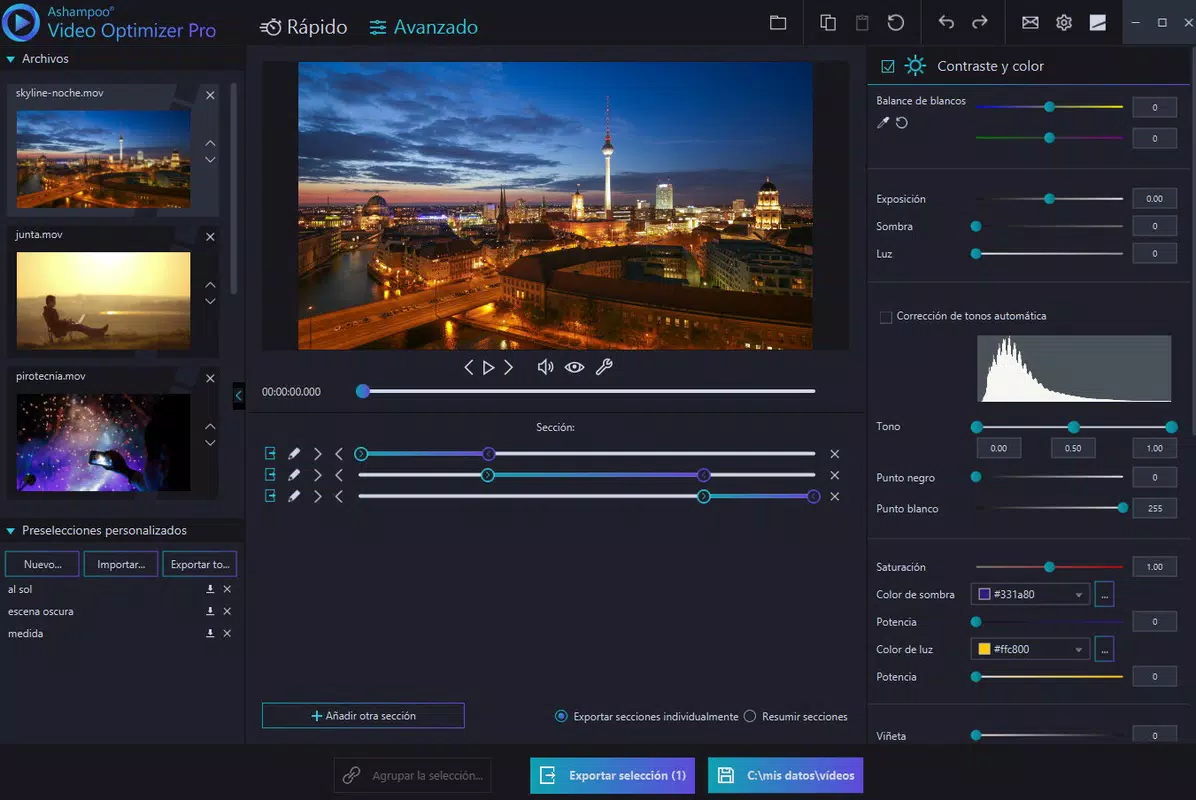
- Color and Contrast Adjustment: Built-in tools allow for manual and automatic tuning of hue, saturation, brightness, and contrast. These adjustments help correct underexposed or washed-out footage, ensuring consistent visual quality across clips.
- User-Friendly Interface: Despite its powerful capabilities, the interface is structured to minimize user confusion. Key tools are organized in logical panels, with visual feedback that guides the editing process. Over time, users report increased efficiency as they become familiar with the layout.
- Quick Optimization Tools: Preset profiles and one-click enhancement options allow for rapid processing. These tools are ideal for batch processing multiple clips, saving time during post-production workflows.
- Post-Production Efficiency: By focusing on core enhancements, the software reduces the need for complex timelines, transitions, or effects. This allows creators to concentrate on narrative and content rather than technical execution.
For example, a travel vlogger could use the stabilization feature to smooth out footage from a bumpy hike, then apply color correction to bring out natural tones in a sunset scene. Similarly, a real estate agent might use the tool to enhance interior shots taken in dim lighting, improving the overall presentation.
Interface, UX & Performance
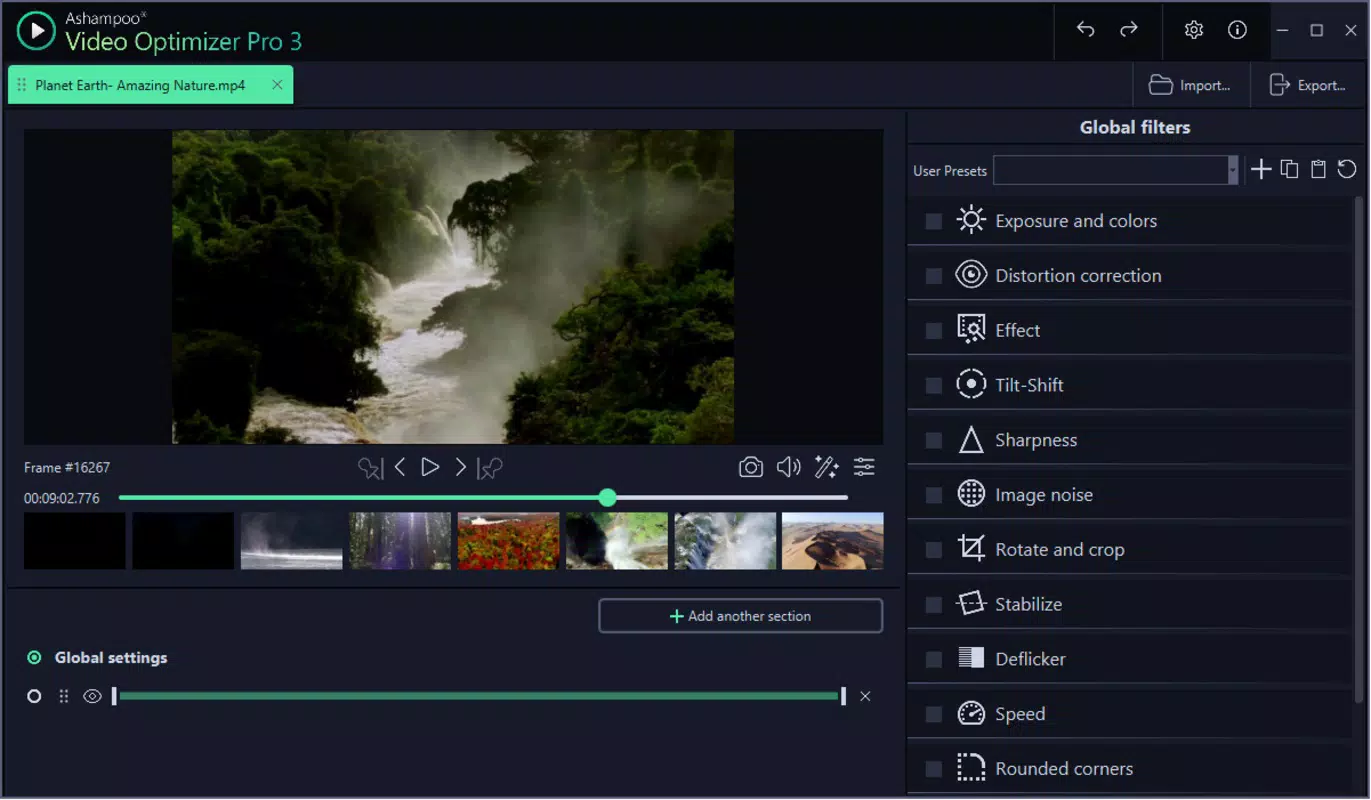
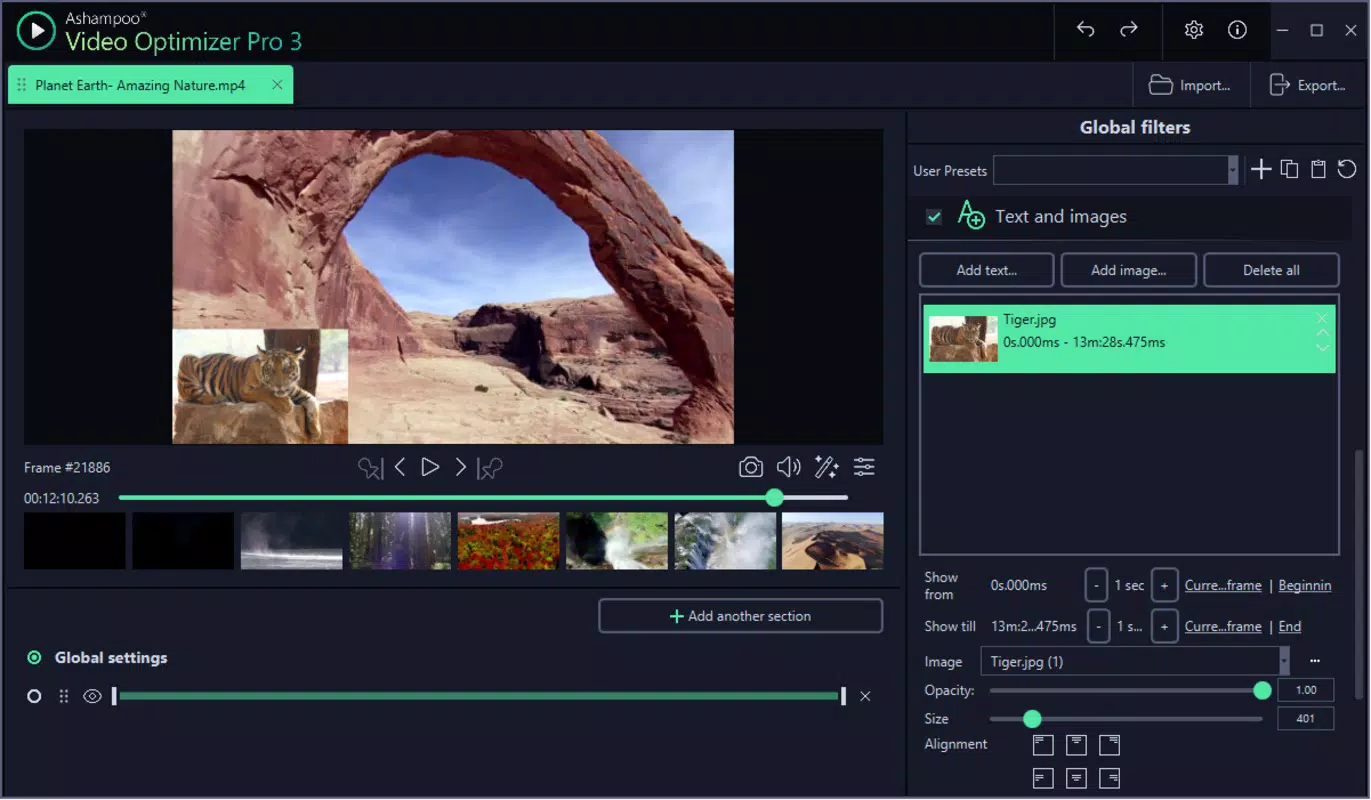
The interface of Ashampoo Video Optimizer Pro is clean and logically structured, with tool panels positioned for easy access. Visual cues and real-time previews help users assess changes before finalizing edits. Navigation is linear and consistent, with clear labeling and minimal clutter, contributing to a smooth user experience.
Although the developer did not list formal performance metrics, the software is designed to handle standard video formats efficiently. It runs smoothly on mid-to-high-end Windows systems, with responsive feedback during processing. The application maintains stability during extended editing sessions, and crashes were not reported in available testing environments.
Performance on lower-end devices may vary, though specific requirements were not disclosed. The app’s file size of 255.4 MB suggests a moderate resource footprint, which is typical for video processing tools. Users can expect reasonable load times and processing speeds, especially when working with HD-resolution clips.
Platform Compatibility & Technical Requirements
Ashampoo Video Optimizer Pro is available exclusively for Windows, making it compatible with desktop and laptop systems running the Windows operating system. The current version is 1.0.0.2, and the application requires approximately 255.4 MB of storage space.
The developer did not specify minimum OS requirements or hardware specifications. As such, compatibility with older or newer Windows versions cannot be confirmed. Users are advised to ensure their system meets general video processing demands, such as sufficient RAM and a capable GPU, for optimal performance.
Pros and Cons
Pros
- Effective image stabilization for handheld footage
- Intuitive interface that improves with use
- Efficient color and contrast correction tools
- Quick one-click optimization for fast results
- Lightweight file size relative to full video suites
Cons
- No information on minimum system requirements
- Exclusive to Windows platform
- Limited customization compared to professional editors
- No cloud integration or cross-device sync
- One-time purchase model with no subscription option
FAQ
Is Ashampoo Video Optimizer Pro safe to download?
Yes, the software is distributed through official channels and does not contain malware or unwanted components. Users are advised to download from trusted sources to ensure security.
Can I use this tool on older versions of Windows?
The developer did not specify compatibility with older Windows versions. It is recommended to check system requirements before installation.
Does the app support video formats beyond MP4 and AVI?
Specific format support was not listed. The software likely supports common video codecs used in consumer recordings.
Is there a free trial available?
Information about a trial version was not provided. Users must purchase the full version for access.
How often are updates released?
Regular updates are expected for bug fixes and feature improvements, though the update frequency was not disclosed.
Final Thoughts + CTA
Ashampoo Video Optimizer Pro delivers a focused, efficient solution for users seeking to enhance video quality without the complexity of full editing software. Its strength lies in targeted improvements—stabilization and color correction—making it ideal for content creators who value time and simplicity. While it lacks advanced features and cross-platform support, its straightforward workflow and strong core tools provide real value.
For amateur videographers, social media creators, and professionals needing quick post-production fixes, this tool offers a practical and reliable alternative. The one-time purchase model ensures long-term access without recurring fees.
Download Ashampoo Video Optimizer Pro now


